

Proactive
Instructions and limits for proactive chat messages on the chat channel.
Proactive messaging lets the chat agent send the first message in some situations (for example after a visitor browses certain pages).
That only happens when the chat channel has proactive messaging enabled in your channel or widget settings. This tab controls wording and limits for this agent, not whether proactive is allowed at all.
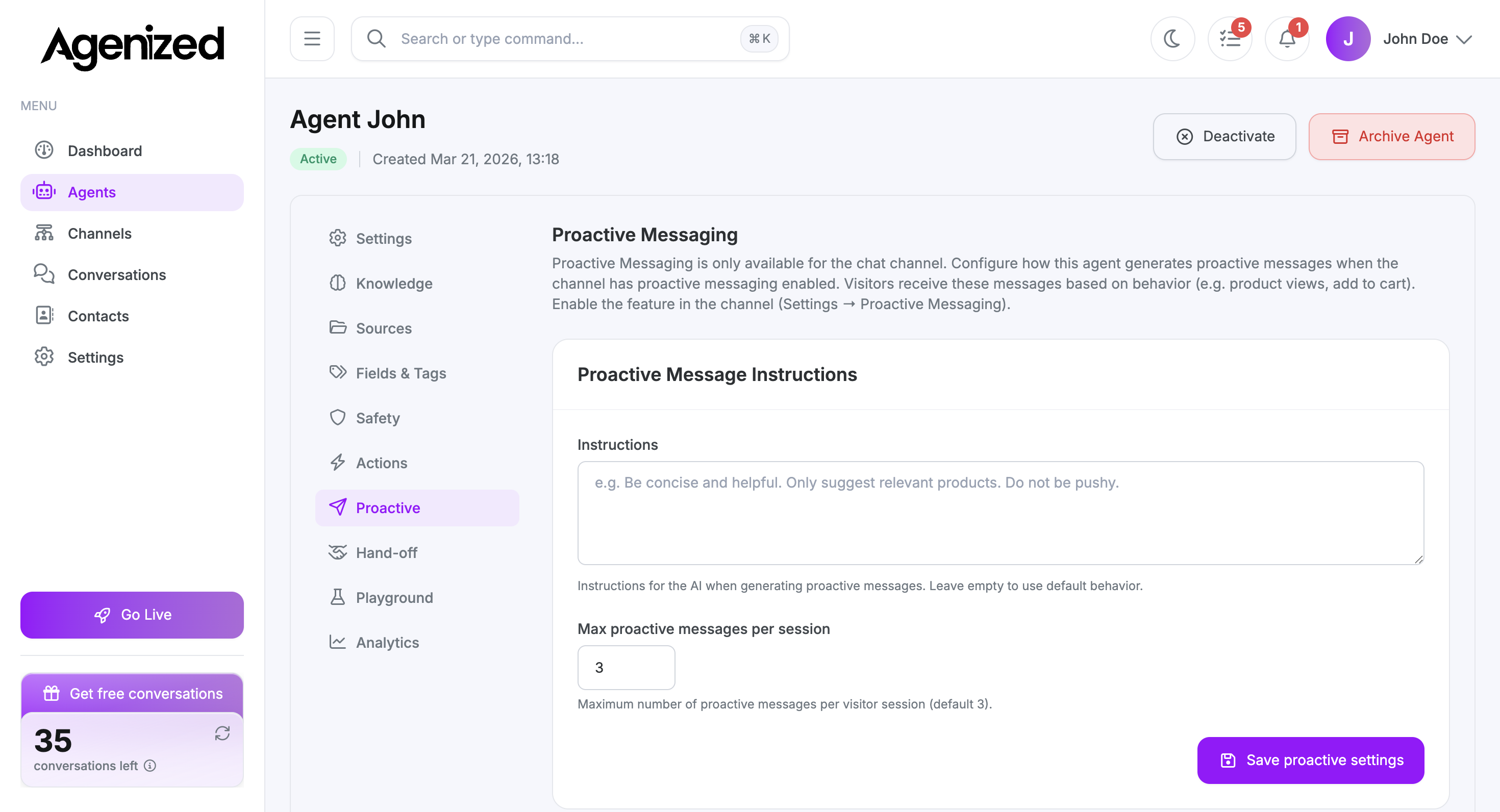
Proactive message instructions
Describe how the AI should phrase nudges: tone, brevity, what to suggest, and what to avoid (for example “do not be pushy”). If you leave this empty, the product uses its default behavior.
Max proactive messages per session
Set a cap so one visitor does not receive unlimited prompts.
The default is 3 per session. Lower it for a quieter experience; raise it only if your playbook truly needs more touches.
Save
Click Save proactive settings after changes.
Related settings
Channel-level toggles and triggers for proactive behavior are configured where you manage Channels and the chat widget. This tab only controls this agent’s wording and limits.