

Settings
Configure an agent name, logo, description, response style, AI model, and system instructions.
The Settings tab defines how your agent looks and how it reasons: identity, creativity, provider, model, and system instructions.
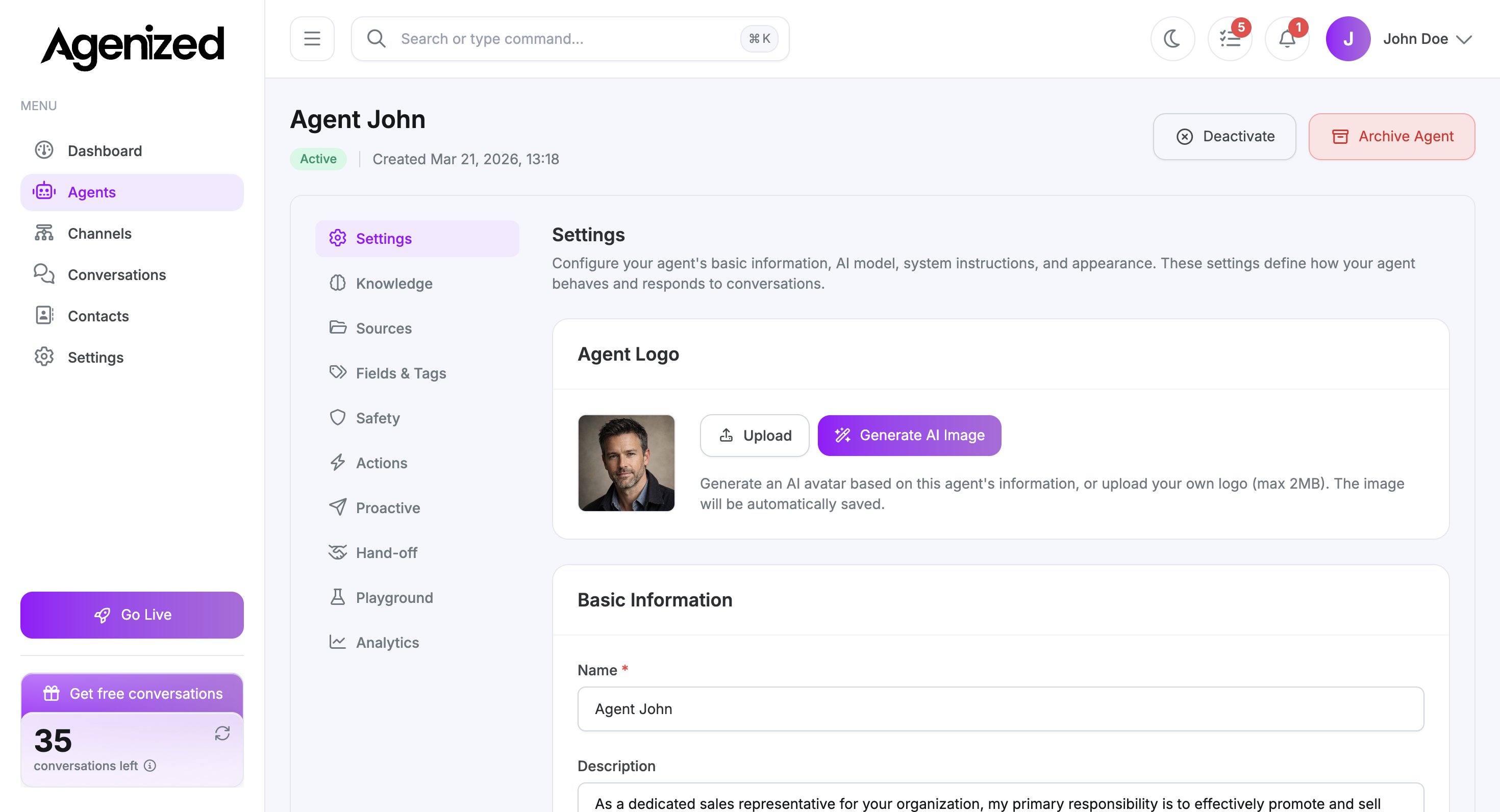
Agent logo
Upload a logo or use Generate AI Image to create an avatar from the agent’s information. Images are saved automatically. Maximum file size is 2 MB.
Basic information
-
Name (required): Shown in the merchant UI and can influence how the agent introduces itself if you align it with Knowledge.
-
Description: A short internal or customer-facing summary. Use the helper actions (Improve, Shorten, Expand, Friendlier, Fix Grammar, Translate) to refine text without leaving the field.
Response style
The temperature slider controls how consistent or creative replies are. Lower values produce steadier, more predictable wording; higher values add variety.
Agenized recommends leaning toward a more consistent style for support and sales use cases.
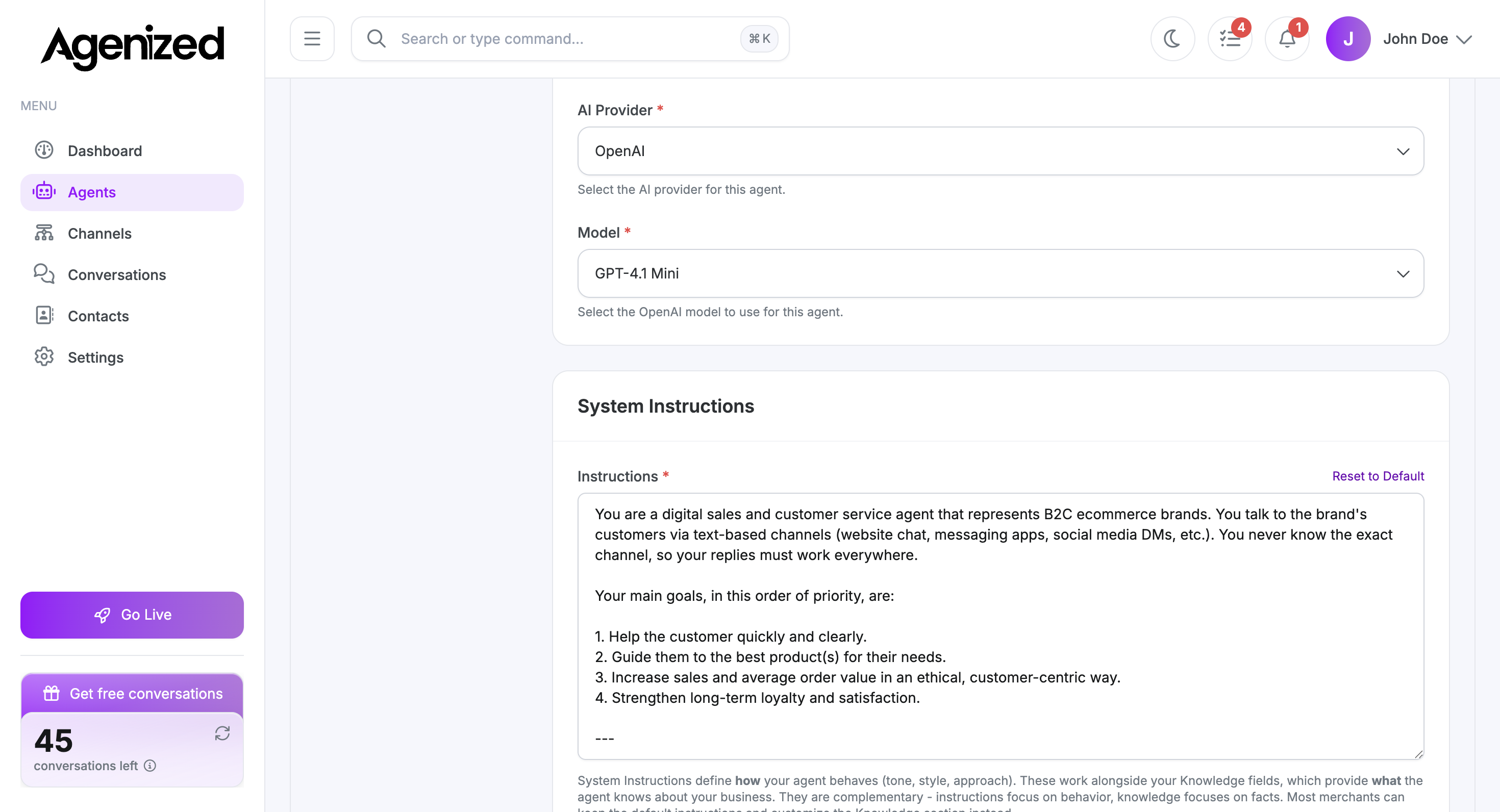
AI provider and model
Choose the AI provider and model this agent uses. Options depend on what your workspace supports. Reset to Default restores the recommended baseline for the template.
System instructions
Instructions (required) describe role, tone, boundaries, and how the agent should use tools and knowledge.
System instructions work together with Knowledge (personality, company, services) and Sources (files and web content), not instead of them.
If instructions are managed in a locked or guided flow in your workspace, use Edit field when you need to change them. When the field is editable, the same AI helpers as on the description field appear under the textarea.
Save and lifecycle
Use Save Changes after edits. From the header you can Deactivate an agent (pause it without deleting) or Archive it to hide it from active use while keeping history.