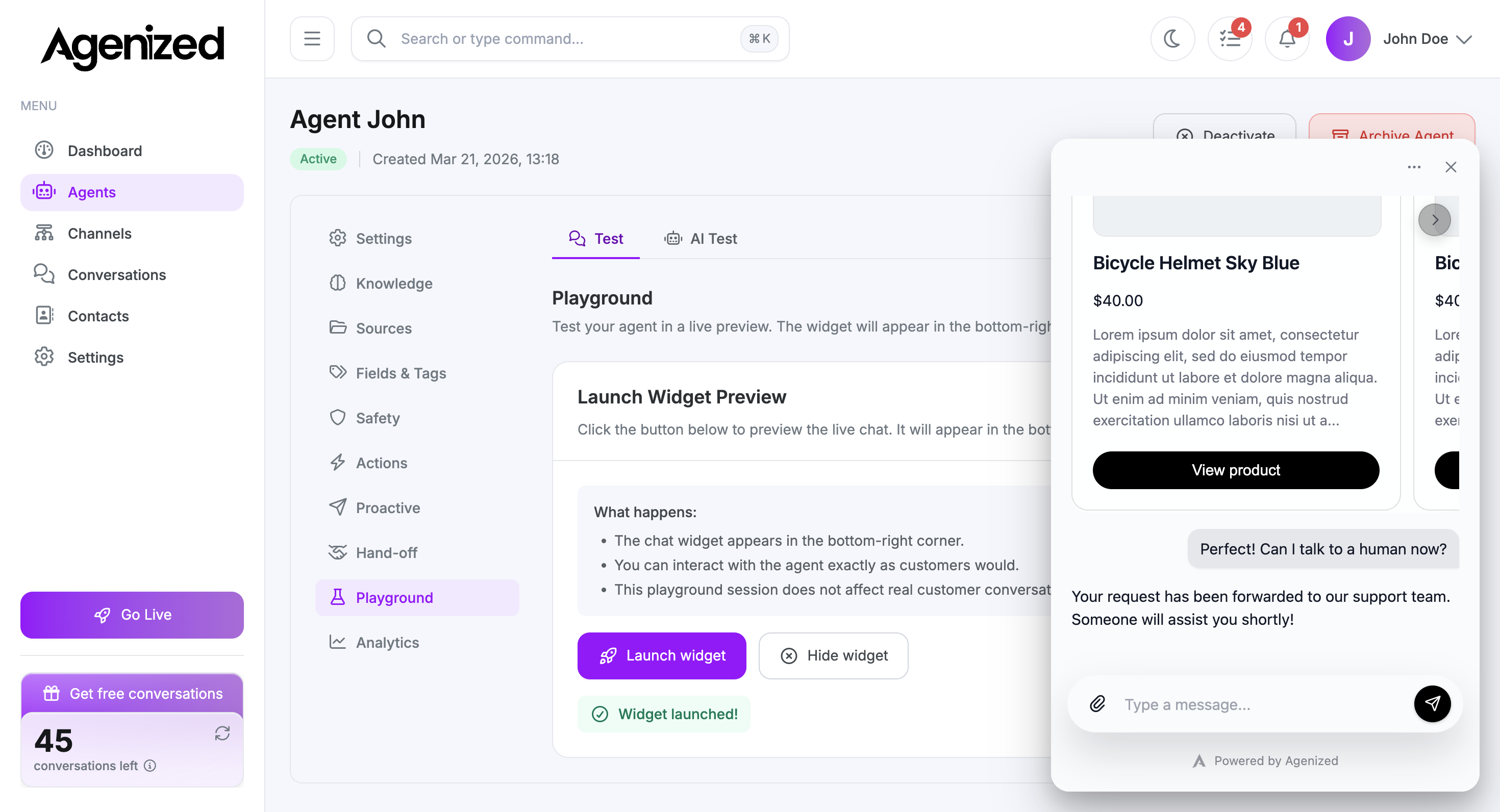
Hand-off
Send conversations from the agent to email, Zendesk, Crisp, HubSpot, webhooks, or other hand-off targets.
Hand-off defines how this agent escalates to humans or external systems when automation should stop.
Configure shared connections first under Settings → Hand-off, then attach destinations here.
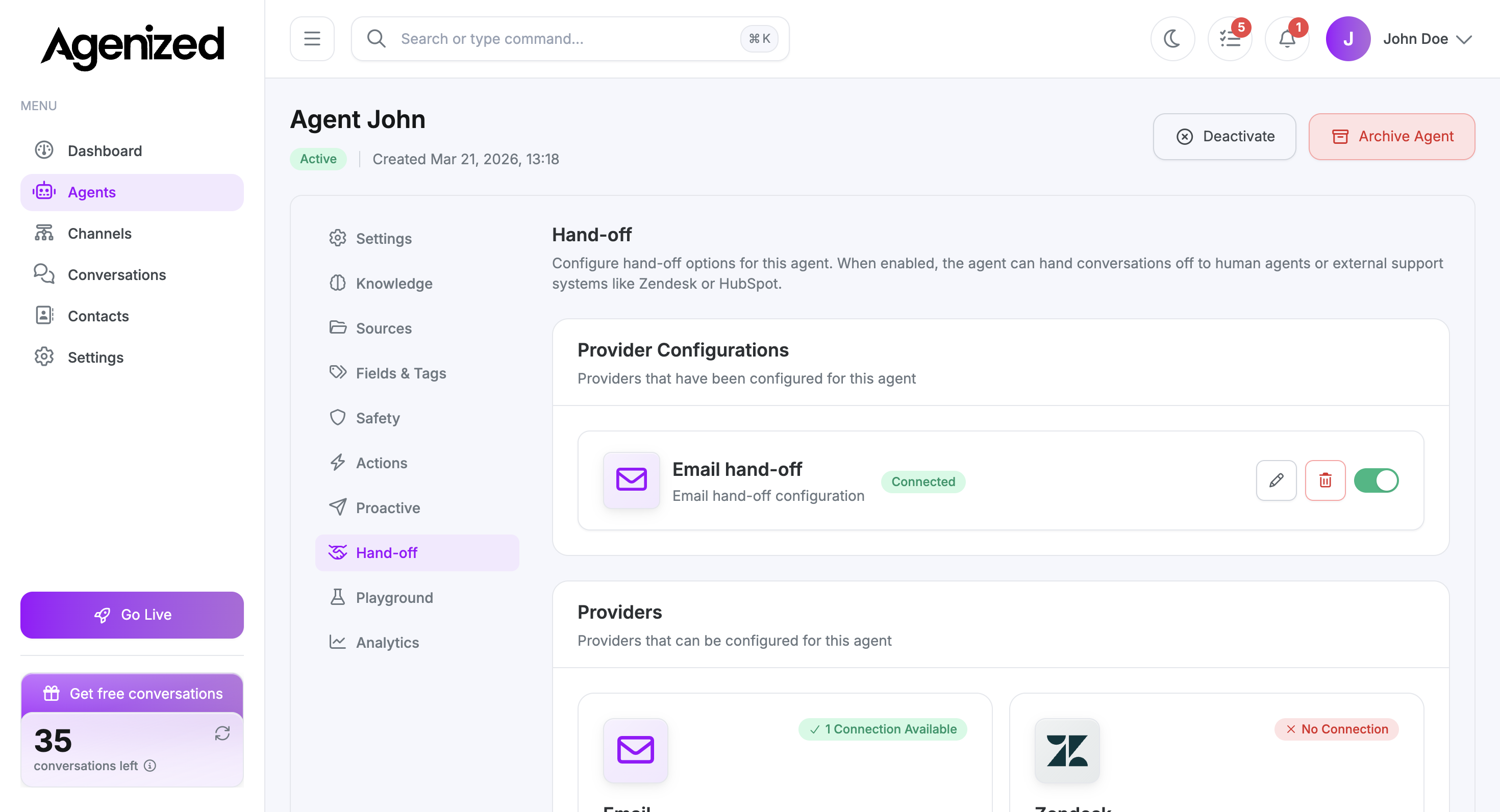
Provider configurations
The top section lists configurations already attached to this agent (for example Email hand-off). You can edit, delete, or enable/disable with the toggle.
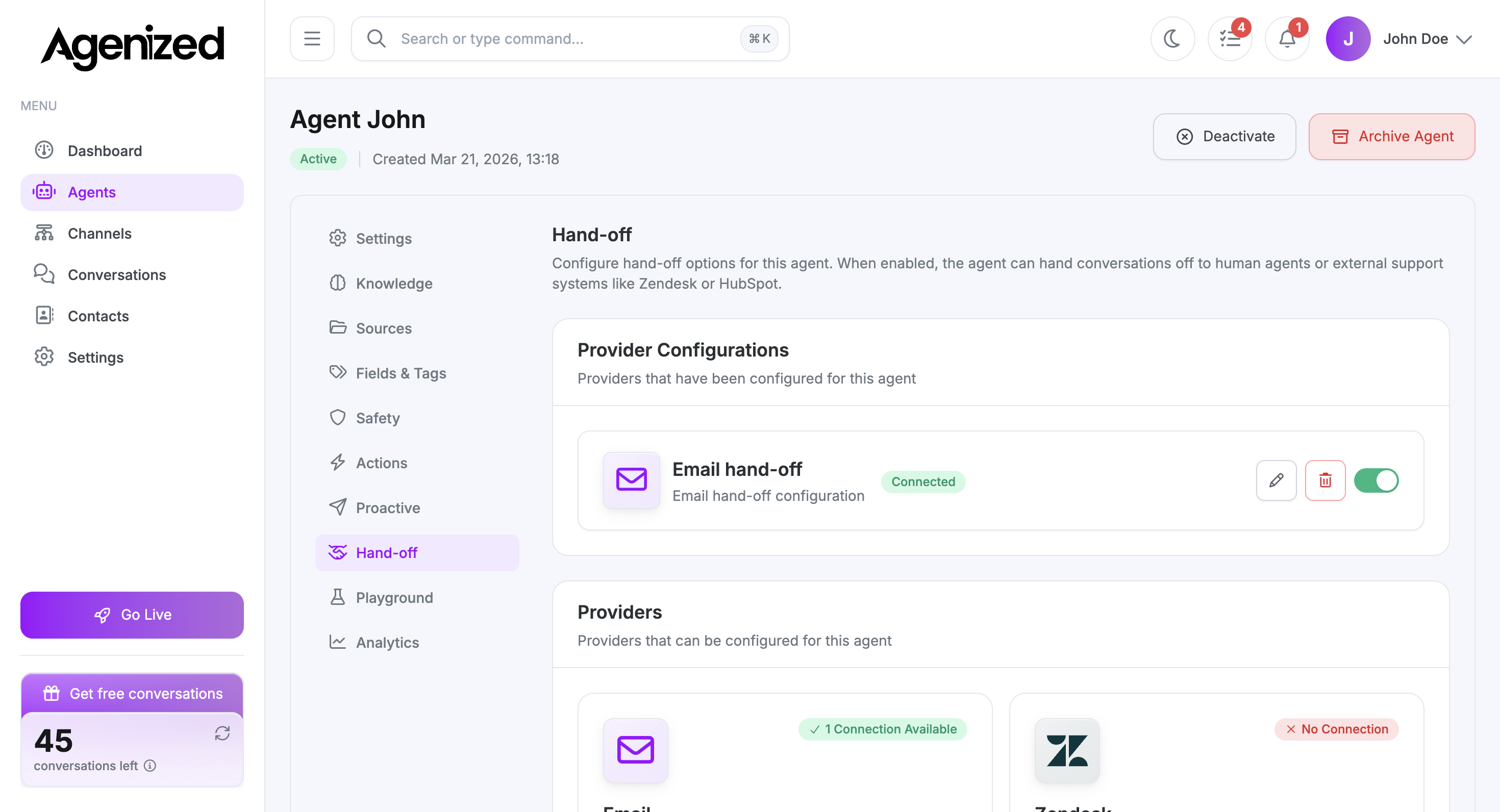
Available providers
Below, cards such as Email, Zendesk, Crisp, Webhook, and HubSpot show whether a connection exists for your account. Create a connection first where required, then add a configuration for this agent.
When hand-off runs
Exact triggers depend on your instructions, safety settings, and product behavior (for example explicit “talk to a human” or failure to resolve). Document internal playbooks in your own runbook; this page is where you wire destinations.
Testing
Configure a destination
Add or enable a hand-off configuration for this agent, and ensure the underlying connection (email, Zendesk, and so on) is valid.
Trigger in Playground or staging
Run an end-to-end test from Playground or a staging channel. Ask to speak with a person (wording depends on your instructions).
Verify delivery
Confirm the ticket, email, or webhook payload arrives as expected.
When hand-off succeeds, the widget typically shows a confirmation in the thread while the backend sends the conversation to your configured destination.