

Languages
Set the account default language and additional languages for localization across the product and widget experiences.
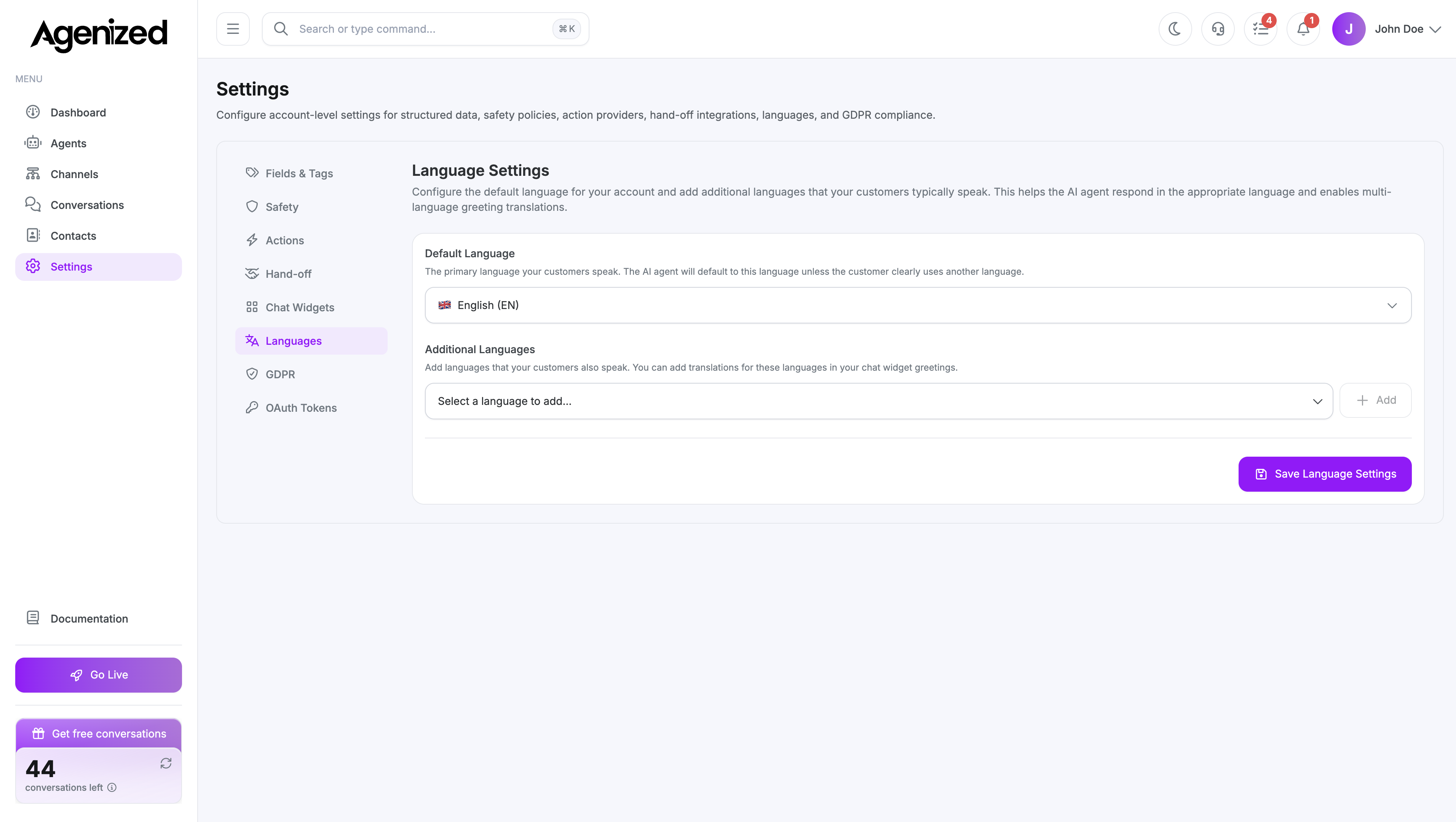
Open Settings → Languages.
Default language
Pick the primary language code for the account. This drives defaults such as GDPR copy fallbacks (via the defaults service) and other locale-sensitive content.
Additional languages
Add secondary languages from the supported list (for example Danish, English, German, French, …). These extend what you can configure in translations (for example chat widget template strings) and align with multilingual customer experiences where enabled.
Saving
Save persists changes to the account and refreshes session context so the header and downstream screens see updated language settings.
Agent instructions and knowledge are not auto-translated here; this tab configures account locale support, not the agent’s writing language unless you align them manually.