

Gmail overview
Connect a Gmail inbox via OAuth. Channel tabs: Settings, Message Retrieval, Email Signature.
What this channel is
The Gmail channel links a Google mailbox to Agenized using OAuth. Agents work customer email in shared conversations; sending uses your connected Google identity according to the integration’s rules.
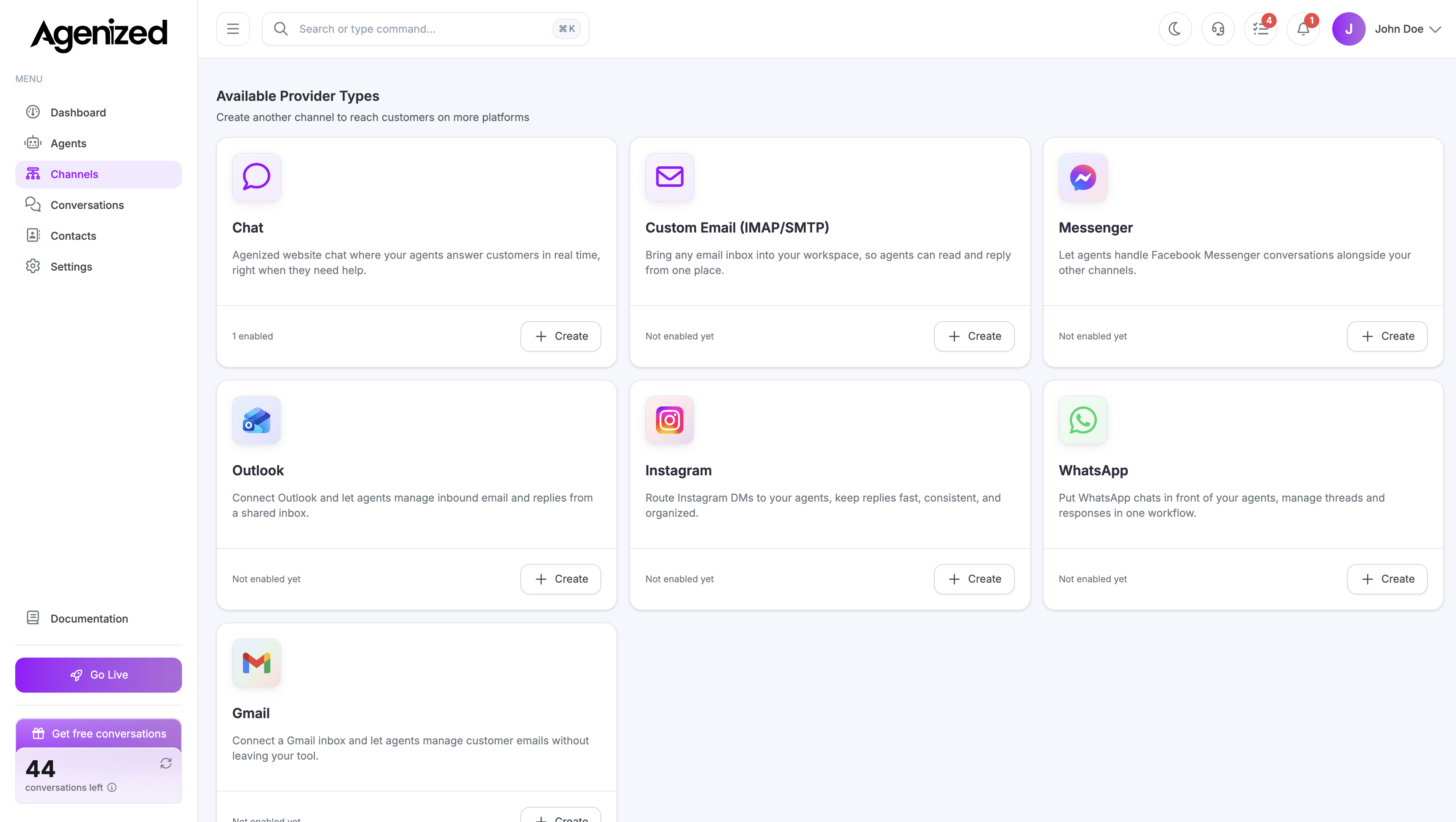
Add a channel
From Channels, choose Gmail and complete Google authorization. You can add more than one Gmail channel if you need separate inboxes.
Sections
| Section | Purpose |
|---|---|
| Settings | Account link, routing, channel status |
| Message Retrieval | Inbound Gmail sync behavior |
| Email Signature | Reply signature |
Was this page helpful?