

Outlook overview
Connect Microsoft 365 / Outlook via OAuth. Channel tabs: Settings, Message Retrieval, Email Signature.
What this channel is
The Outlook channel connects a Microsoft work or personal mailbox so agents can work email in Agenized. Authorization uses Microsoft’s OAuth flow; capabilities follow your tenant’s policies.
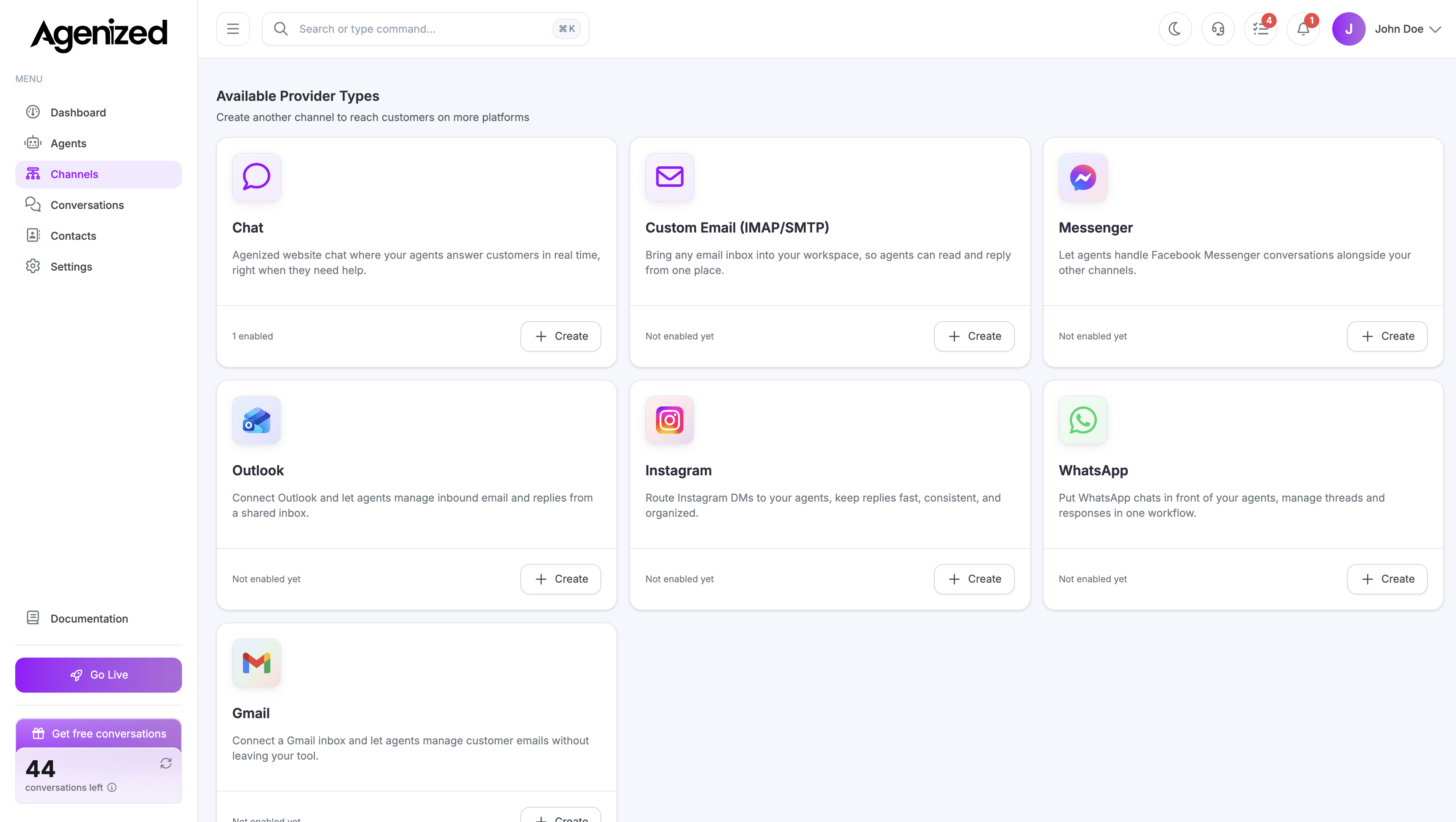
Add a channel
From Channels, choose Outlook and sign in with Microsoft when prompted.
Sections
| Section | Purpose |
|---|---|
| Settings | Microsoft connection, routing, status |
| Message Retrieval | Inbound sync and threading |
| Email Signature | Outbound signature |
Was this page helpful?