

Appearance
title: Chat Widget: Appearance description: >- Theme, colors, launcher, header, typography, and layout presets for the customer-facing chat widget.
Open Appearance
On your Chat Widget channel detail page, select Appearance.
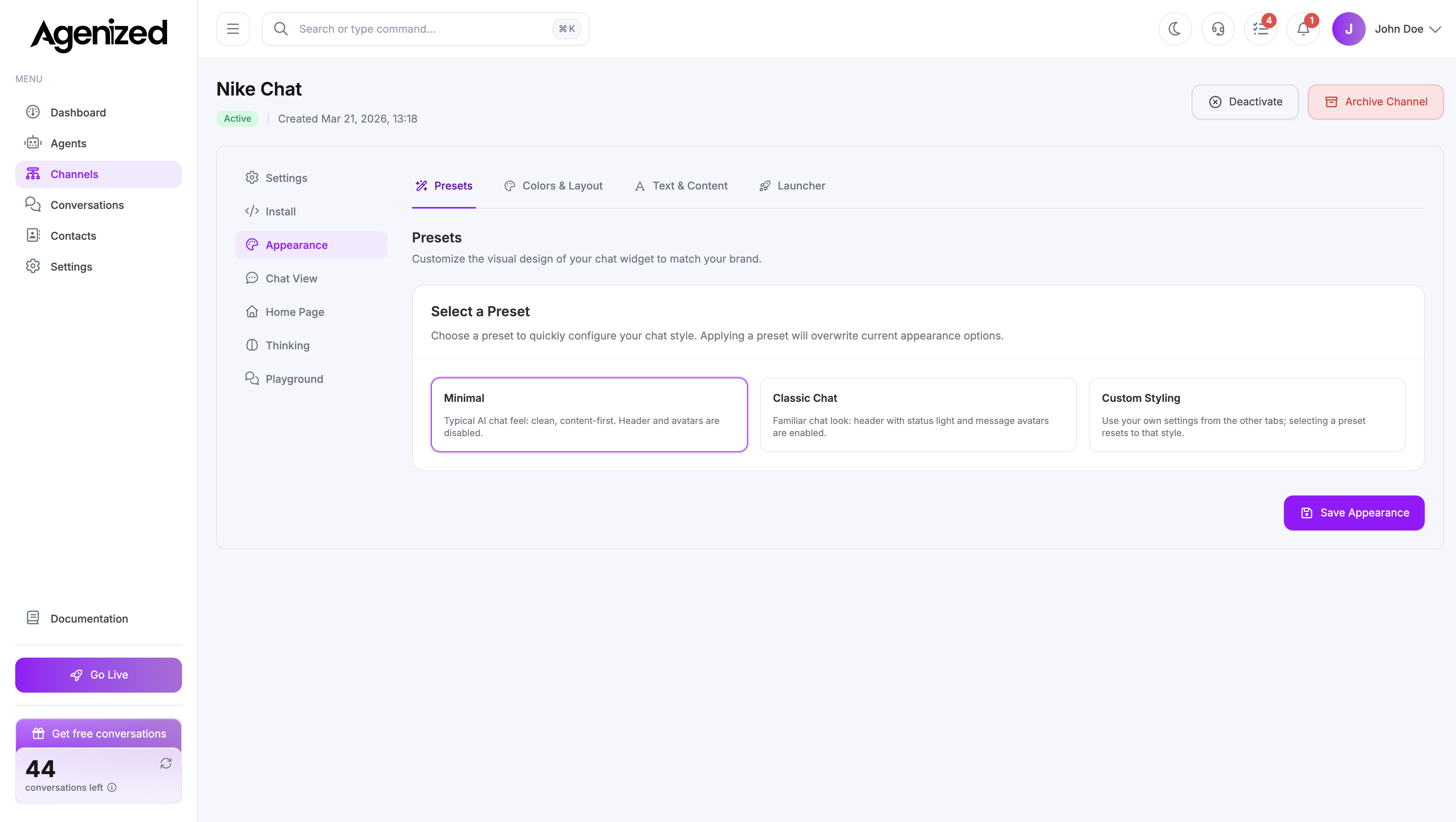
What you can tune
Typical controls include:
- Preset: Minimal, classic, or custom combinations of header and avatars.
- Colors: Brand, surfaces, and contrast (light/dark aware where supported).
- Launcher: Icon, position, labels, and visibility.
- Shape: Corner radius, size, and density.
- Header: Title, subtitle, status light, and optional branding.
Exact fields may evolve with product releases; the in-app form is authoritative.
Account-wide defaults
Global widget styling and shared block layouts may also be managed from Settings → Chat Blocks. Per-channel Appearance overrides apply to this channel’s embed.
Was this page helpful?