

Settings
title: Chat Widget: Settings description: >- Channel name, active state, and which agent (or routes) handle conversations for this Chat Widget channel.
Open Settings
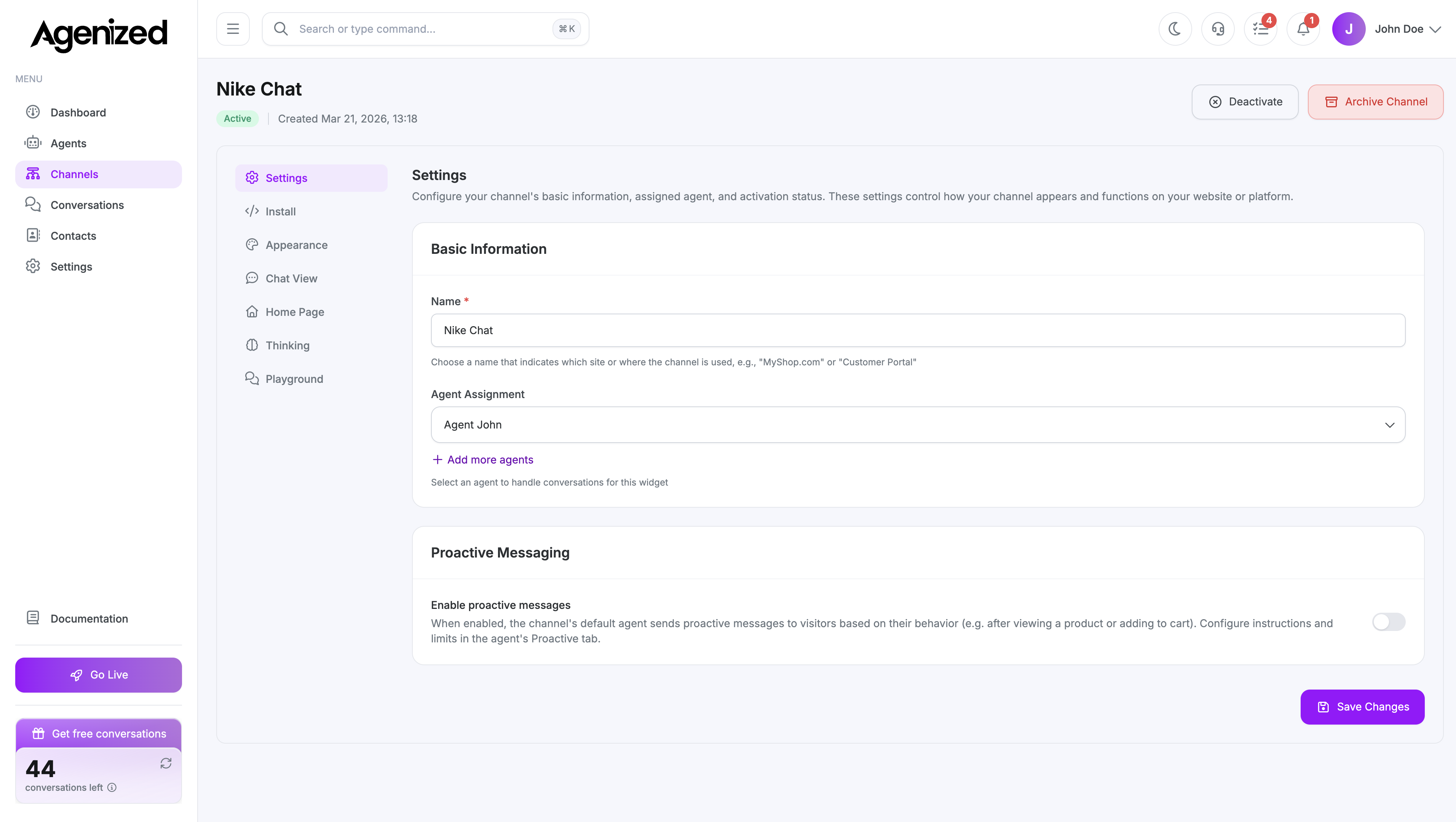
On your Chat Widget channel detail page, select Settings in the left sidebar.
What you can configure
- Channel name: Shown in your internal list and headers where relevant.
- Active / inactive: Inactive widgets stop serving new visitor sessions according to your product behavior; confirm in-app before pausing production sites.
- Agent assignment: Choose a single agent or multi-route rules (categories and agents), plus optional fallback, depending on your account configuration.
Agent behavior (instructions, knowledge, tools) is edited under Agents, not on the channel. The channel only decides which agent receives each conversation.
Related sections
- Install for the embed code.
- Appearance and Chat view for customer-facing UI.
Was this page helpful?