

Chat Widget overview
Add the Agenized chat widget to your site, route conversations to agents, and use the channel detail tabs: Settings, Install, Appearance, and more.
What this channel is
Chat Widget is the embeddable website chat. Visitors talk to your agents in real time; you control routing, branding, the launcher, home page content, and test behavior in Playground.
Legacy Web widget connections use the same detail screen and tabs.
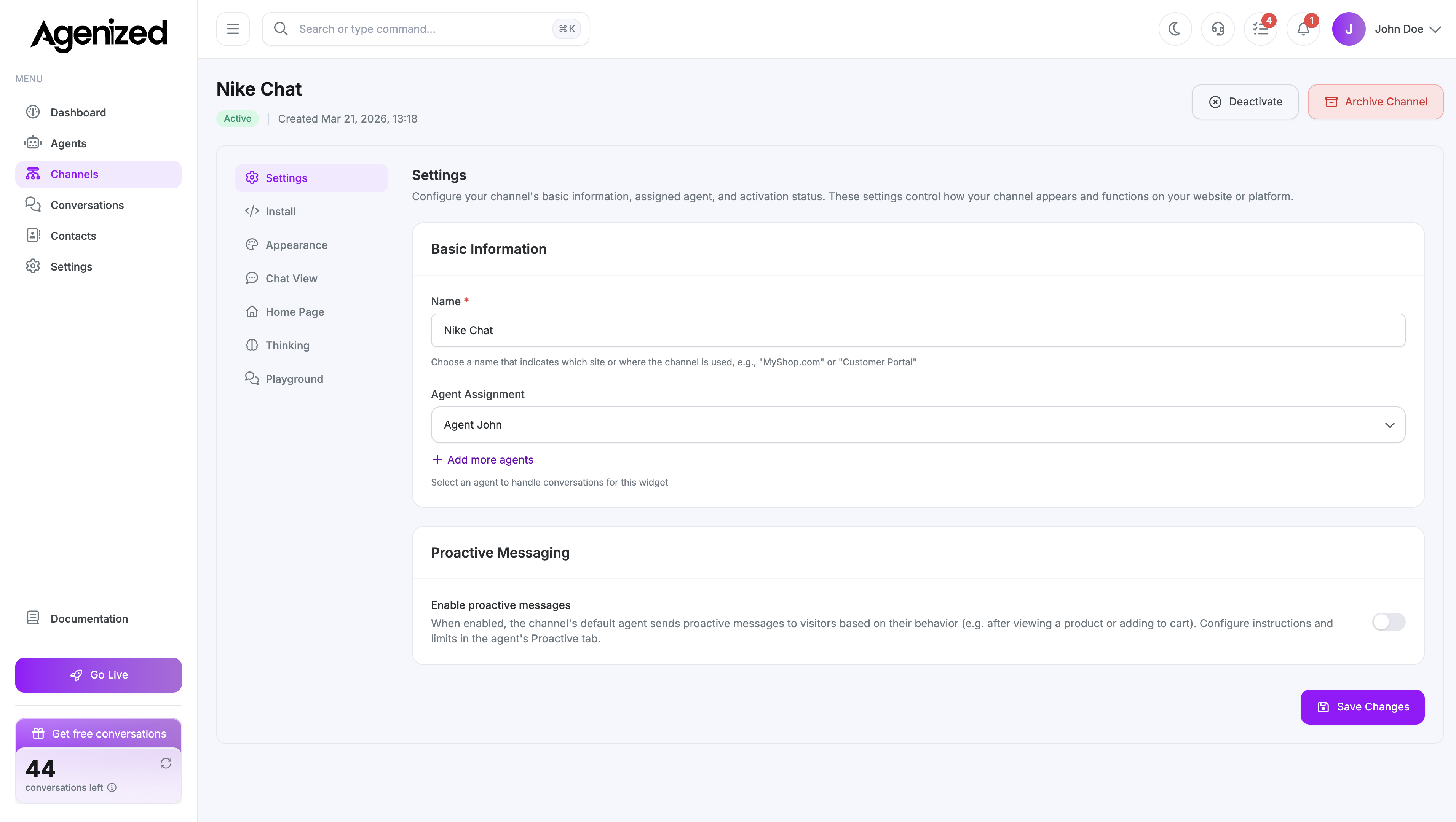
Add a Chat Widget channel
From Channels, choose Chat (Chat Widget), then follow the creation flow. After saving, open the channel from the list to reach the detail page.
Sections on the detail page
The left sidebar matches the app:
| Section | Purpose |
|---|---|
| Settings | Name, status, agent assignment, routing |
| Install | Embed snippet and public key |
| Appearance | Colors, launcher, header, sizing |
| Chat view | Greeting, starter prompts, quick links |
| Home page | Rich home / landing content in the widget |
| Thinking | “Thinking” phrases while the model works |
| Playground | Test chat against this channel |
The URL stores the active tab, so you can bookmark Install or Appearance directly.
Next
Was this page helpful?